AI Systems · AI automation · Tools · Comparison
n8n vs Zapier vs Make: which automation tool fits your business?
 Eimantas KazėnasFounder, RevflowsUpdated Published
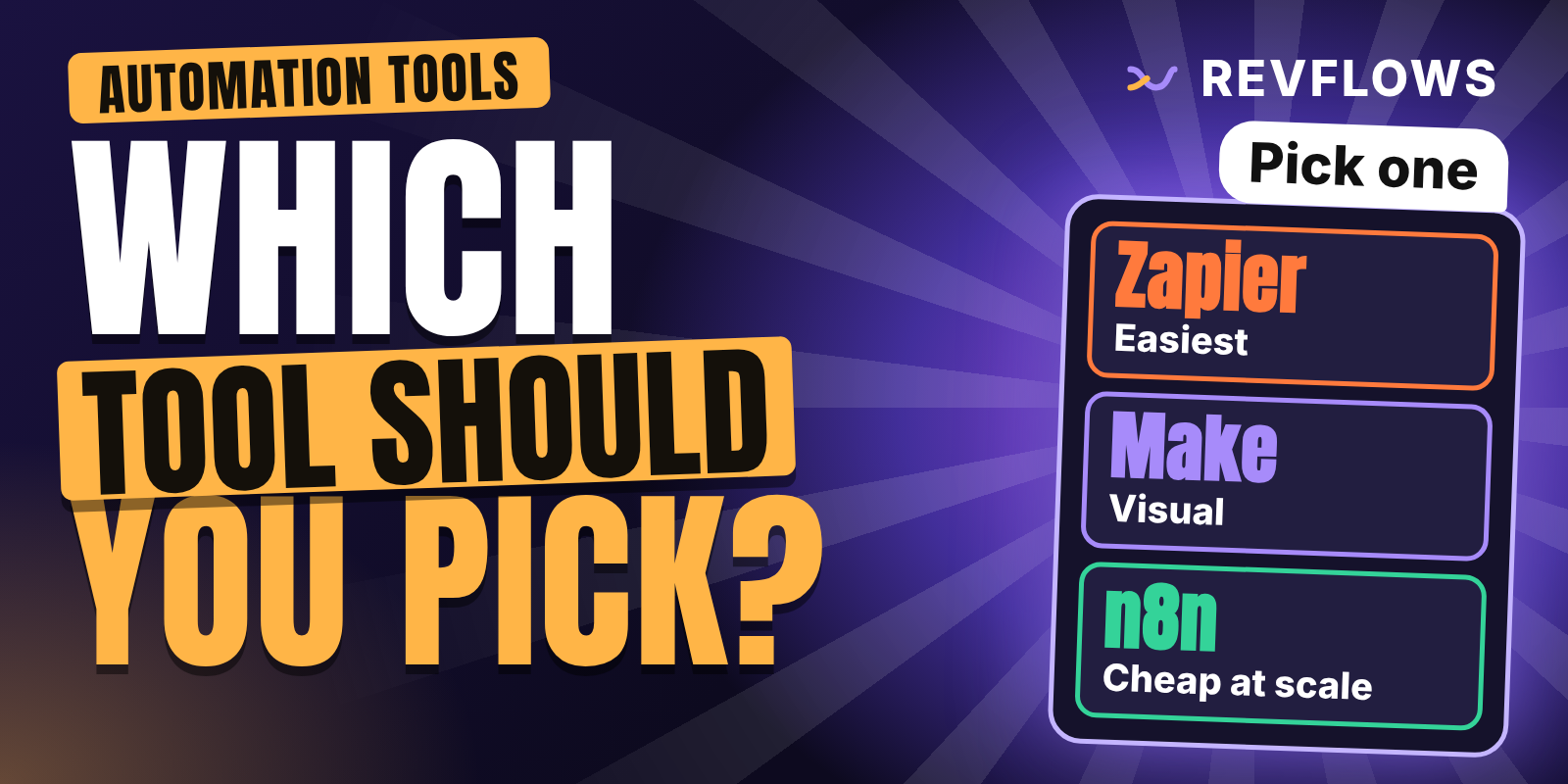
Zapier is the easiest to start and connects the most apps, but it bills each action step, so it gets expensive at volume. Make is more visual and usually cheaper per step, billed in credits. n8n bills per full workflow run, can be self-hosted for free, and suits complex or high-volume work, but needs more technical skill.
Key takeaways
- Zapier is the easiest and connects 9,000+ apps, but bills every action step.
- Make is visual, gives more control, and bills in credits (about one per action).
- n8n bills per full workflow run and can be self-hosted for free, but needs technical skill.
- The same 5-step workflow run 1,000 times uses about 4,000 Zapier tasks, about 5,000 Make credits, or 1,000 n8n executions.
- Pick the tool that connects the apps you already use, then check the price at your real volume.
Zapier, Make and n8n all do the same basic job: when something happens in one app, do something in another. A form is filled, so add the lead to the CRM and send a reply.
They differ in three ways that matter to a business owner: how easy they are, how they charge, and where your data runs. This guide compares them in plain words so you can pick one. These tools are the “connect your apps” layer of AI automation, so it helps to know where they fit before you choose.
The short answer
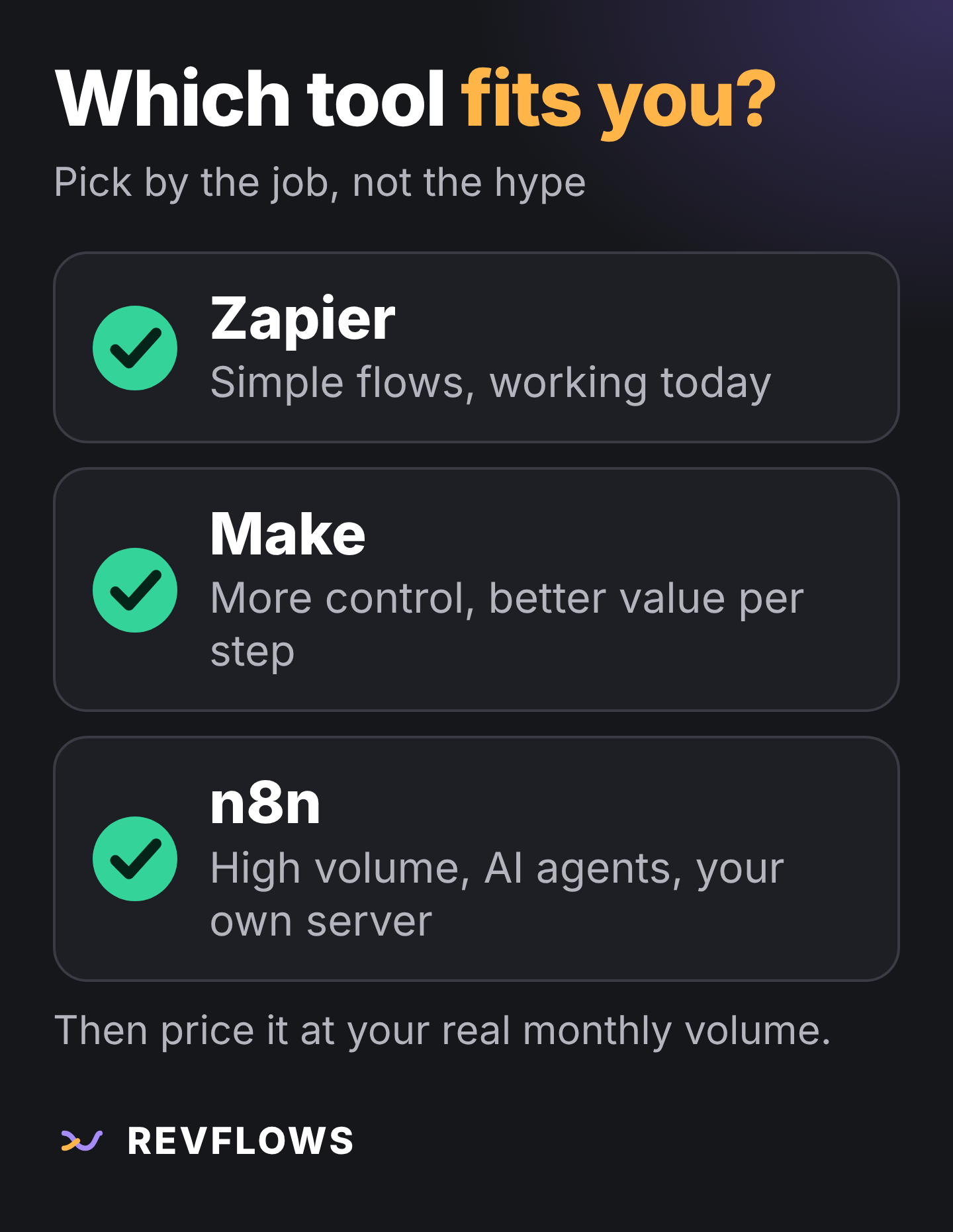
- Pick Zapier if you want something working today, your flows are simple, and your team is not technical.
- Pick Make if you want more control over branches and data, and better value per step, without code.
- Pick n8n if you run complex or high-volume workflows, want AI agents, or need data on your own server, and have technical help.
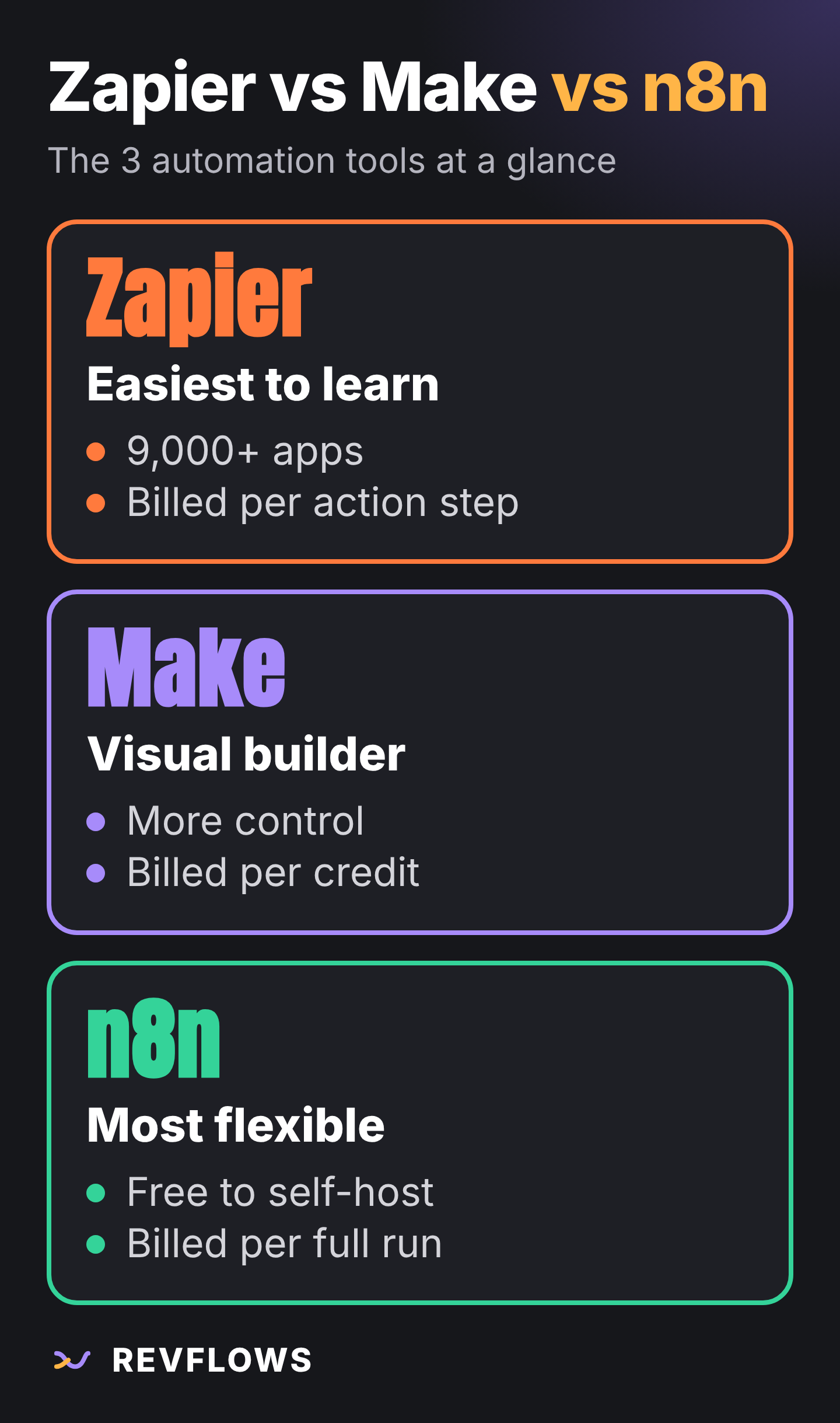
n8n vs Zapier vs Make: side by side
| Zapier | Make | n8n | |
|---|---|---|---|
| Best for | Simple flows, non-technical teams | Visual builders who want more control | Complex, high-volume or private workflows |
| Ease of use | Easiest | Medium | Hardest |
| How it bills | Tasks: each successful action step | Credits: most module actions use 1 | Executions: one per full workflow run |
| Free option | 100 tasks a month, two-step Zaps | 1,000 credits a month | Self-hosted Community edition |
| Self-hosting | No | No | Yes |
| AI features | AI steps, Agents, MCP server | AI features (can use more credits) | AI agent nodes, MCP server and client |
Prices and allowances change often. The figures in this guide were checked on each vendor’s pricing page on 27 November 2026.
How each tool charges, and why it matters
This is the biggest difference, and the one most comparisons skip.
Zapier counts tasks. Its pricing page says each successful step in a Zap uses tasks from your allowance. Triggers and Zapier’s built-in tools such as filters, paths and delays don’t count. The Free plan includes 100 tasks a month with two-step Zaps. Pro starts at $19.99 a month billed yearly for 750 tasks.
Make counts credits. Make’s pricing page says each action a scenario performs uses credits, and most actions use one. Reading data from an app or webhook counts too. Routers and error handlers don’t. The Free plan includes 1,000 credits a month.
n8n counts executions. n8n’s pricing page says an execution is a single run of your entire workflow, however many steps it has. Its cloud Starter plan is 20€ a month billed yearly.
Here is what that means for the same job:
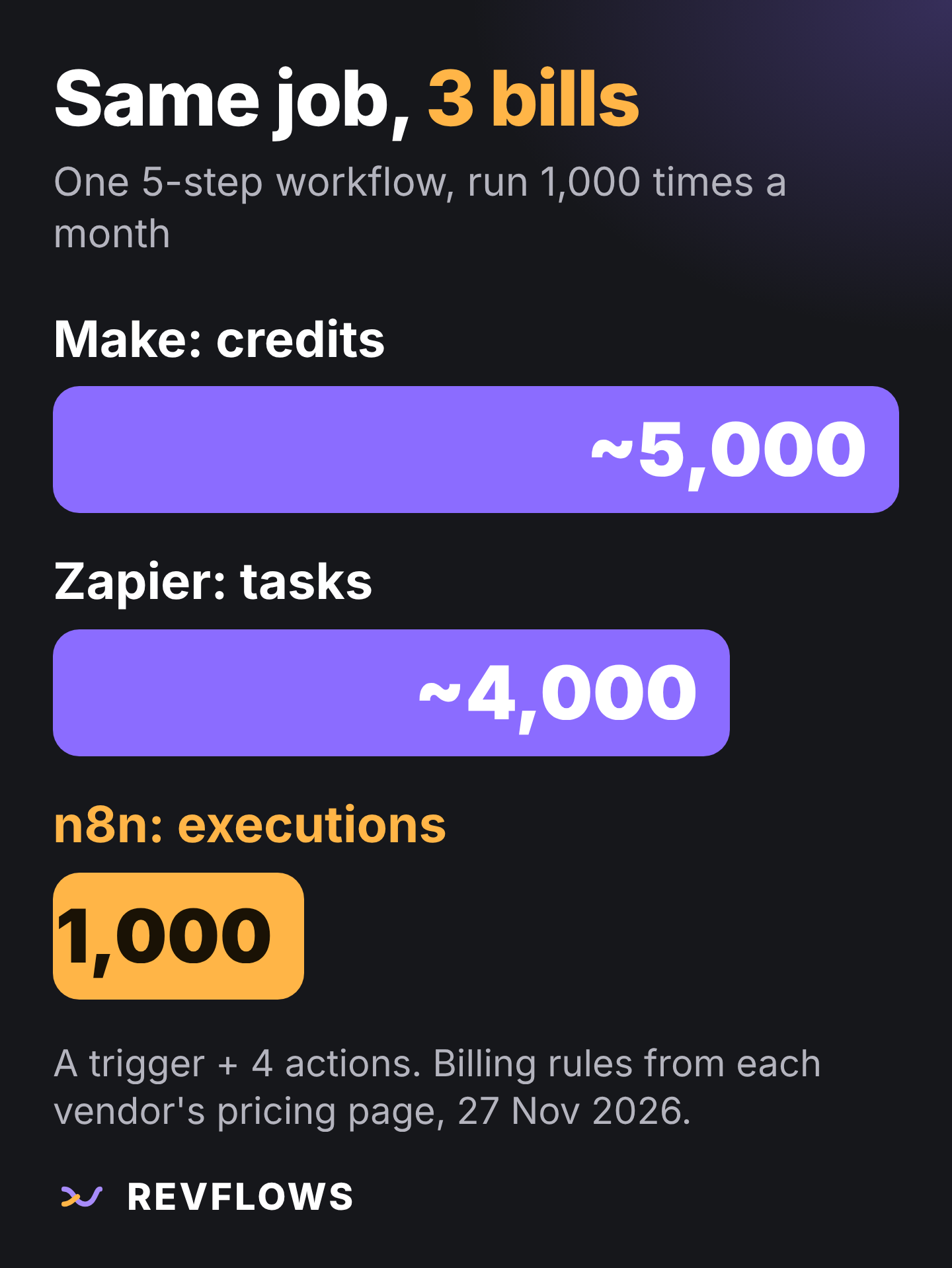
A workflow with a trigger and four actions, run 1,000 times a month, uses about 4,000 Zapier tasks, about 5,000 Make credits, or 1,000 n8n executions. Add AI steps, loops or more actions and the gap grows. That is why n8n often wins on cost at high volume, and Zapier wins on cost at low volume, when its free plan or smallest tier covers you.
Ease of use
- Zapier walks you through a list: pick a trigger app, pick an action app, map the fields. Most owners can build a simple Zap in an afternoon.
- Make shows your workflow as a map of connected bubbles. It is easier to see branches and loops, but takes longer to learn.
- n8n looks similar to Make but expects more: reading data structures, sometimes writing a little code. It rewards a technical person and frustrates a non-technical one.
Apps and integrations
Zapier connects the most apps; its pricing page refers to 9,000+. Make and n8n connect fewer, but both can call almost any tool with a public API through an HTTP step. n8n’s pricing page says every plan includes every integration.
Before you choose, list the five tools your workflows touch and check each platform supports them directly. A missing connector means custom work.
AI features
All three now let you put AI inside a workflow: read an email, classify it, extract data, draft a reply.
- Zapier has AI steps, Zapier Agents and Zapier MCP, which lets AI assistants use the apps Zapier connects. AI steps use tasks from the same pool.
- Make has AI features that can use more than one credit per action.
- n8n includes AI agent nodes, human approval for tool calls, and both an MCP server trigger and an MCP client on every cloud plan.
MCP is how assistants like Claude and ChatGPT use your tools in a chat. If that’s new, read what an MCP server is.
Hosting and data
- Zapier and Make are cloud only. Your data passes through their servers.
- n8n can run in its cloud or on your own server. Its docs say that without a license key, self-hosted n8n runs as the free Community edition. Its pricing page says hosted plans store data in the EU, in Frankfurt.
Self-hosting matters for clinics and other businesses with strict data rules. It also means someone has to keep the server updated, backed up and secure. “Free” software still costs time.
Which one should you pick?
Ask four questions:
- Who will build and fix it? Non-technical team: Zapier or Make. A developer or partner: n8n is open to you.
- How many runs a month, with how many steps? Multiply it out with each tool’s billing unit. Low volume favours Zapier. High volume favours n8n.
- Does the data need to stay on your own server? Then n8n self-hosted.
- Do all your tools have connectors? Check before you commit.
Many businesses end up with two: Zapier for quick team flows, and n8n for the heavy, business-critical work.
If you are still choosing your first task to automate, start with AI automation for small business. The task decides the tool, not the other way round.
Our view
- Price the real volume. Compare tools at the runs and steps you’ll actually have, not at the entry plan.
- Easy now can be costly later. Zapier is the fastest start. Watch the task count as flows grow.
- Self-hosting is a job. n8n on your own server is free to license, not free to run.
Get the right tool set up
Want automations that keep running without babysitting? We pick the right platform for each job, build the flows with AI steps and human checks, and report the hours saved.
Questions
Is n8n better than Zapier?
It depends on the job. Zapier is easier and connects more apps, so it suits simple flows set up by non-technical teams. n8n is better for complex, high-volume or data-sensitive workflows, because it bills per full run instead of per step and can run on your own server.
Is n8n free?
The self-hosted Community edition is free: n8n's docs say that without a license key it runs as the free Community edition. You still pay for the server and for someone to maintain it. n8n's hosted cloud plans are paid, starting with the Starter plan.
What is the difference between Make and Zapier?
Both connect apps without code. Zapier builds step-by-step lists and bills tasks for each successful action step; triggers don't count. Make uses a visual map of your scenario and bills credits, where most module actions use one credit. Make gives more control over branching and data handling; Zapier is quicker to learn.
Which automation tool is best for a small business?
For a few simple flows, start with Zapier or Make. If you expect high volume, complex logic, AI agents or strict data rules, n8n is often cheaper and more flexible, but plan for technical help. Pick the one that connects the tools you already use.
Do Zapier, Make and n8n support AI?
Yes. All three let you add AI steps to workflows. Zapier offers AI steps, Agents and an MCP server, and n8n plans include AI agent nodes plus MCP server and client support. Make includes AI features that can use more credits per action.