AI Systems · Web development · Astro · WordPress · Comparison
Astro vs WordPress for a business website
 Eimantas KazėnasFounder, RevflowsUpdated Published
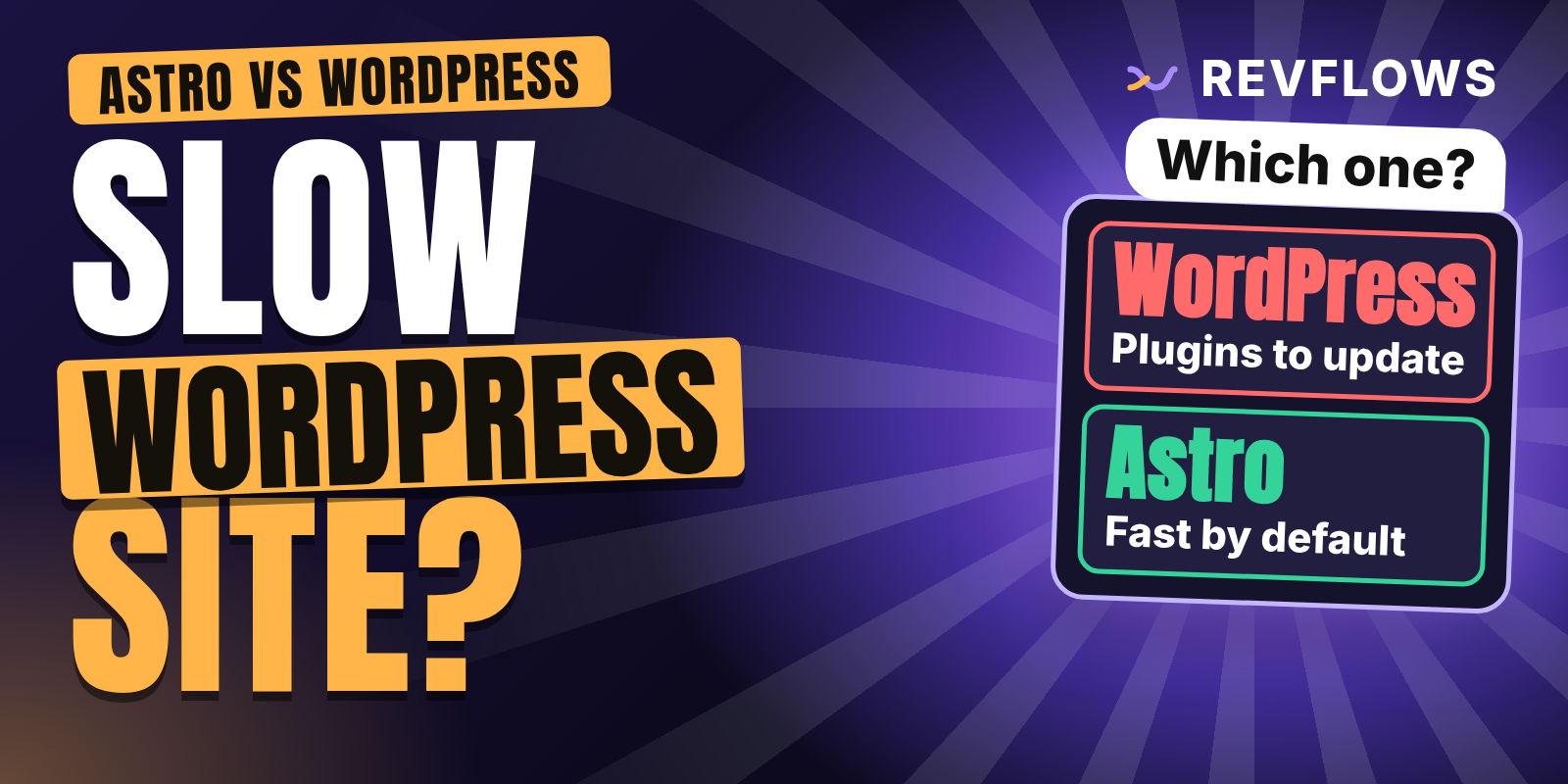
WordPress is a content management system that builds each page from a database, with plugins for almost any feature. Astro is a web framework that builds pages ahead of time and sends no JavaScript by default, so sites load fast and have little to attack. Pick WordPress if many people edit daily and you rely on plugins. Pick Astro if speed, security and low upkeep matter most and changes are a few a week.
Key takeaways
- WordPress builds pages from a database when visitors arrive. Astro builds them ahead of time.
- WordPress runs 38.3% of all websites (W3Techs). Its power and its risk both come from plugins.
- Patchstack found 91% of new WordPress vulnerabilities in 2025 were in plugins.
- Astro sends zero JavaScript by default, so pages load fast and there is little to attack.
- Pick by who edits, how often, and who will keep the site updated.
If your website is slow, keeps asking for updates, or got hacked once, someone has probably told you to “move off WordPress”. Often the suggestion is Astro.
This page compares the two in plain words: how each works, speed, security, editing, SEO and cost. Then it gives a simple way to choose, and the other WordPress alternatives worth knowing.
For the bigger picture on what a business site needs, see our guide to web design for small business.
The short answer
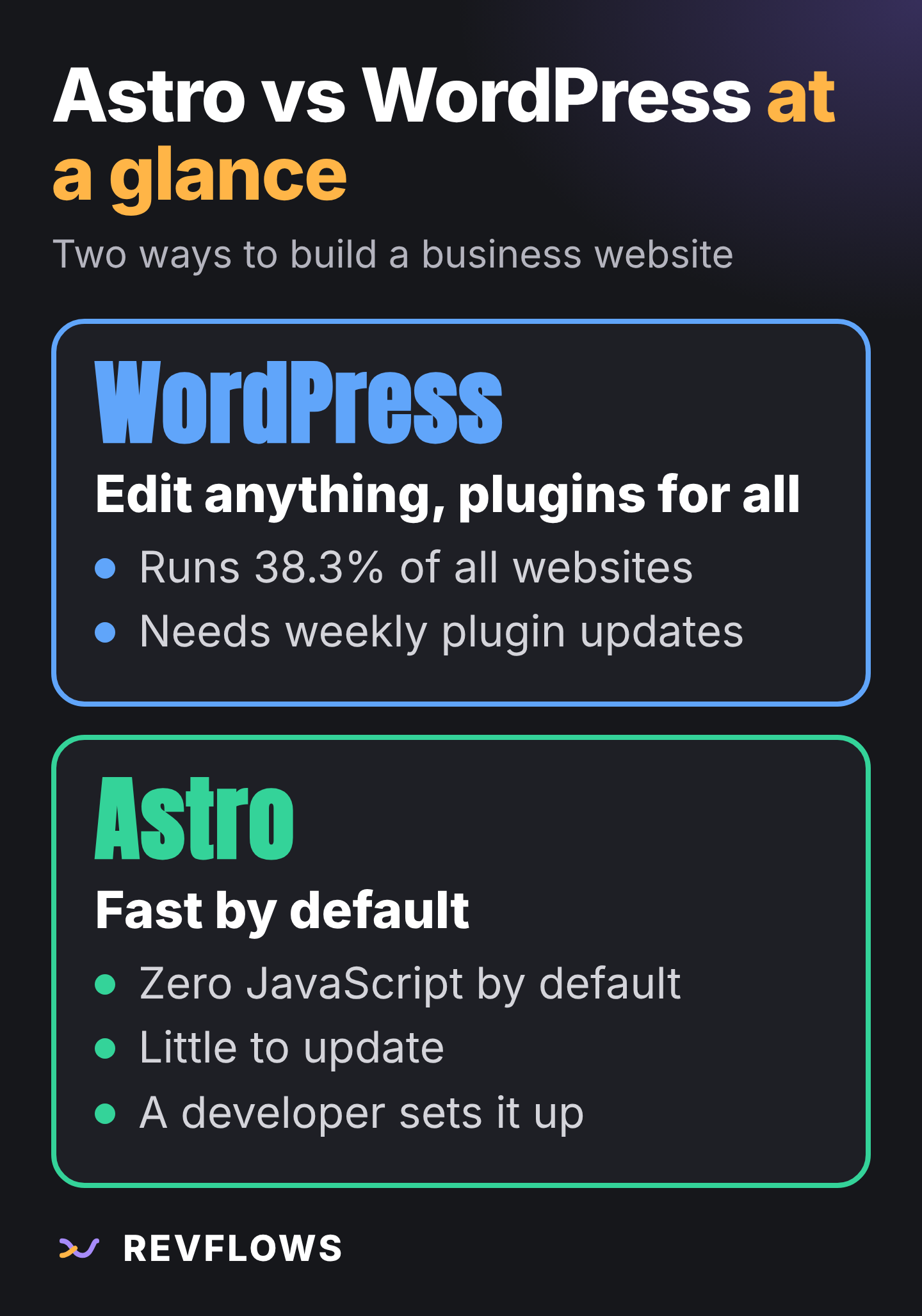
- WordPress is the safe, familiar choice when many people edit content every day and you depend on plugins.
- Astro is the better choice when the site’s job is to load fast, rank, and turn visitors into inquiries or bookings, and content changes a few times a week.
How each one works
WordPress is a content management system (CMS). When someone visits a page, the server runs PHP code, reads the content from a database, adds whatever the theme and plugins contribute, and assembles the page. Plugins add features: forms, SEO, booking, shops, page builders.
Astro is a web framework. It builds every page ahead of time into finished HTML. When someone visits, the server just sends the file. Its docs list “Zero JS, by default” and “server-first” among its core features, meaning work happens before the visitor arrives, not on their phone.
“Astro is the web framework for building content-driven websites like blogs, marketing, and e-commerce.”
In January 2026, Cloudflare acquired the company behind Astro. Astro stays open source, and its press release names brands like Unilever, Visa and NBC News among its users. That matters if you worry about picking a tool that disappears.
Speed
Speed is where the difference shows first.
A WordPress page is assembled on every visit, and each plugin can add its own scripts and styles. Caching plugins help, but the more you add, the heavier pages get.
An Astro page is already built. It ships only the JavaScript a page truly needs, often none. That suits cheap phones and slow mobile connections, which is how many of your customers browse.
Google measures this with Core Web Vitals. The targets (main content in 2.5 seconds or less, and two more) are in our web design guide. A fast WordPress site is possible. It just takes more ongoing effort to keep it fast.
Security and upkeep
This is the biggest practical difference for a small business.
WordPress core itself is well looked after. The risk sits in plugins and themes. Patchstack’s State of WordPress Security in 2026 counted 11,334 new vulnerabilities in the WordPress ecosystem in 2025:
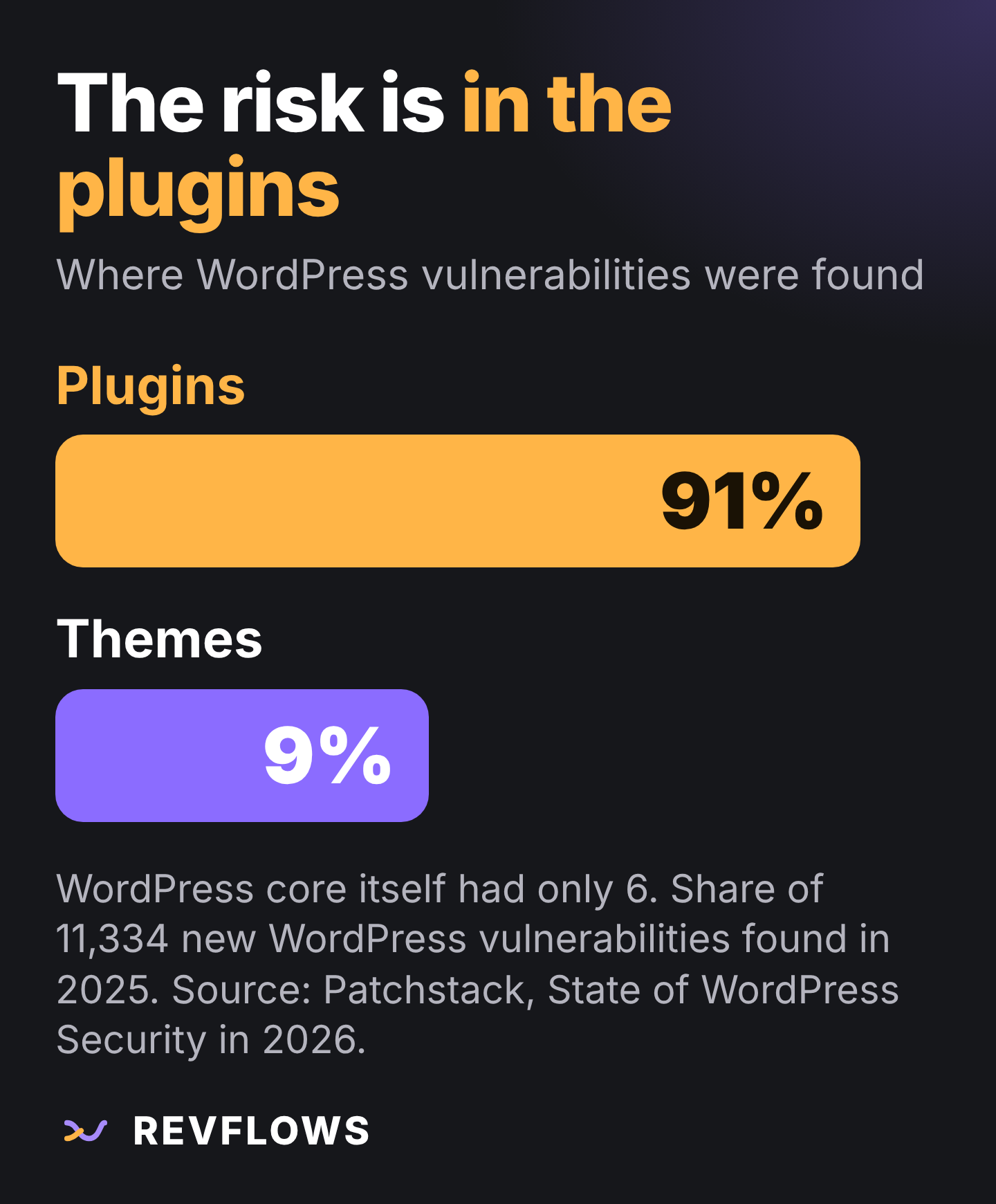
The same report found 46% of them had no fix from the developer in time for public disclosure, and the most heavily targeted ones were attacked within a median of 5 hours. So a WordPress site needs someone applying updates every week, plus backups and a plan for when something breaks.
An Astro site has no database or plugins running on the server for visitors to attack. Updates are occasional, done by a developer, and tested before they go live. If your site has been hacked before, this alone can justify the move.
Editing content
This is where WordPress wins on familiarity.
- WordPress: log in, edit, publish. Anyone who has used it before can update a page. Page builders let you change layouts without a developer, which is also how many sites slowly get slower and messier.
- Astro: your team edits in a content editor, either a headless CMS or a simple file-based editor. They change text, prices, photos and posts; the design stays protected. A developer sets the editor up once.
If five people publish news every day, WordPress or headless WordPress may suit you. If you change prices, team and offers a few times a month, an Astro site with a simple editor is easier and safer.
SEO and AI search
Both can rank. SEO depends mostly on your content, page structure, titles, internal links and speed.
Astro has two built-in advantages. Pages arrive as finished HTML, so search engines and AI crawlers can read everything without running scripts. And fast pages make Core Web Vitals easier to pass.
WordPress has mature SEO plugins that make titles, sitemaps and schema easy for non-developers. On Astro, a developer builds these into the site once.
If you want ChatGPT, Perplexity and Google’s AI to quote your pages, read our guide to AI search optimization. Clean, fast, readable pages help on both platforms.
Cost
| Cost | WordPress | Astro |
|---|---|---|
| Software | Free and open source | Free and open source |
| Build | Cheaper if a theme fits | Needs a developer, usually more up front |
| Hosting | PHP and database hosting | Simple static hosting, often cheap |
| Plugins and themes | Free and paid, often yearly licences | Few or none |
| Upkeep | Weekly updates, backups, fixes | Occasional, mostly with content changes |
WordPress is often cheaper to launch. Astro is often cheaper to own, because there is so much less to maintain. For real price ranges, see how much does a website cost.
When to pick WordPress, and when to pick Astro
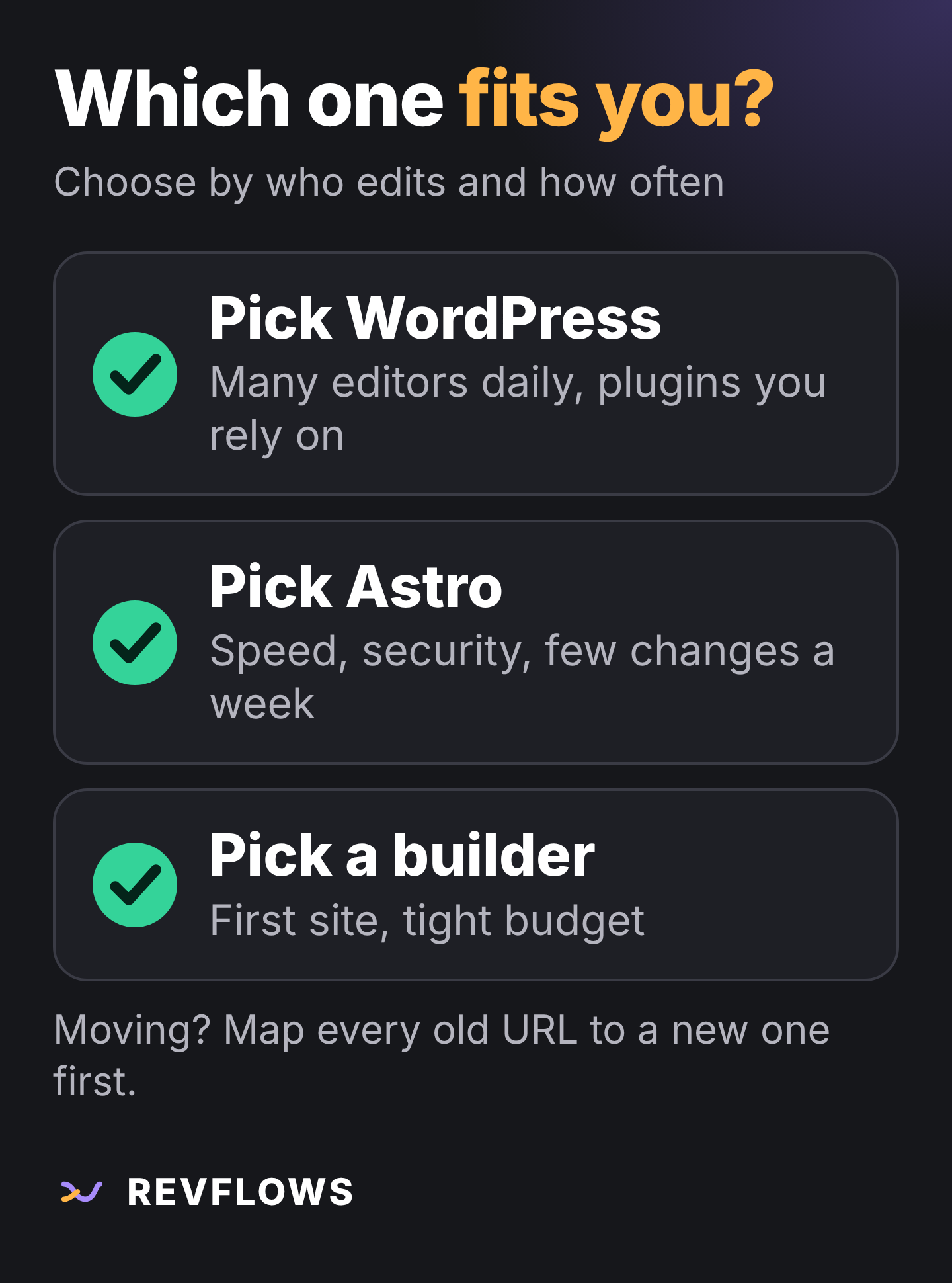
Stay on WordPress if:
- several people publish every day,
- you rely on plugins like WooCommerce, memberships or courses,
- you have someone who updates it every week.
Move to Astro if:
- the site exists to get bookings, inquiries or sales,
- speed and Google rankings matter to revenue,
- you have been hacked before or hate the update treadmill,
- content changes a few times a week, not every hour.
WordPress alternatives worth knowing
- Hosted website builders (Squarespace, Wix, Shopify). Easiest start, hosting included. Limits on speed and flexibility, and harder to move away from later.
- Astro with a content editor. Fast and secure, with a simple editing screen for your team. Needs a developer to set up.
- Headless WordPress. Your team keeps the WordPress editor; Astro builds the public site from that content. Good for big content teams, more moving parts.
- Other frameworks like Next.js. Better for web apps with logins and dashboards than for content sites.
Moving from WordPress to Astro without losing rankings
The move itself is not the risk. Changing page addresses without redirects is. Before you switch:
- list every URL on the current site,
- keep the same addresses where you can, and 301-redirect the rest,
- move the text that ranks, not just the design,
- watch Google Search Console for errors after launch.
The full step-by-step is coming in website redesign without losing SEO.
Our view
- Choose by upkeep, not by features. The platform your team can keep fast and secure beats the one with the most plugins.
- For most service businesses, Astro wins. Clinics, hotels, agencies and SaaS marketing sites change a few pages a week and live on speed and trust.
- Never migrate without a redirect map. It’s the one step you can’t skip.
Move to a site that stays fast
Stuck with a slow or fragile WordPress site? We rebuild business sites on Astro with an editor your team can use, keep every page and ranking, and take the weekly update work off your plate.
Questions
Is Astro better than WordPress?
For speed, security and upkeep on a content-driven business site, usually yes: Astro builds pages ahead of time and sends no JavaScript by default, and there are no plugins running on the server. WordPress is better when many people edit content every day, or when you depend on plugins like WooCommerce or membership tools.
Is Astro good for SEO?
Yes. Astro sends finished HTML that search engines and AI crawlers can read without running scripts, and fast pages help with Google's Core Web Vitals. SEO still depends on your content, page structure, titles and links, which you control on either platform.
Can non-technical people edit an Astro site?
Yes, if it is set up with a content editor. Astro can pull content from a headless CMS or from simple files, so your team edits text, prices and photos in a form while the design stays protected. A developer sets this up once.
Is WordPress still a good choice in 2026?
It can be. W3Techs reports WordPress runs 38.3% of all websites, and there is a huge pool of developers and plugins. The cost is upkeep: Patchstack found 91% of new WordPress vulnerabilities in 2025 were in plugins, so a WordPress site needs updates every week.
What are the best WordPress alternatives for a small business?
For a first site or a small shop, a hosted website builder like Squarespace, Wix or Shopify. For a fast, secure site that matters to sales, a modern framework like Astro with a simple content editor. For a large content team, headless WordPress, where WordPress stores content and a framework like Astro builds the pages.